

Your site as plain HTML files — just as a visitor sees it. WordPress stays hidden.
What it looks like
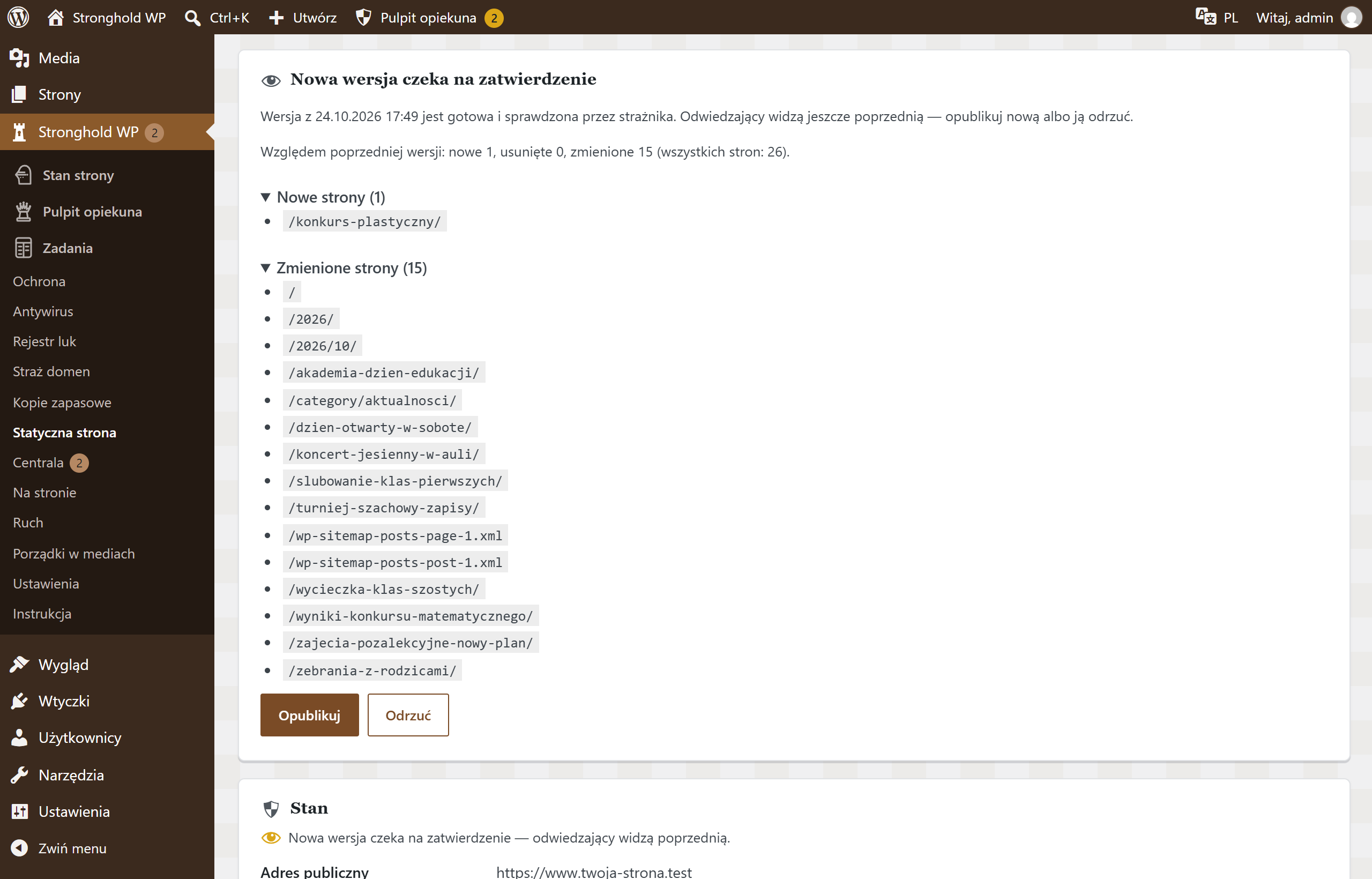
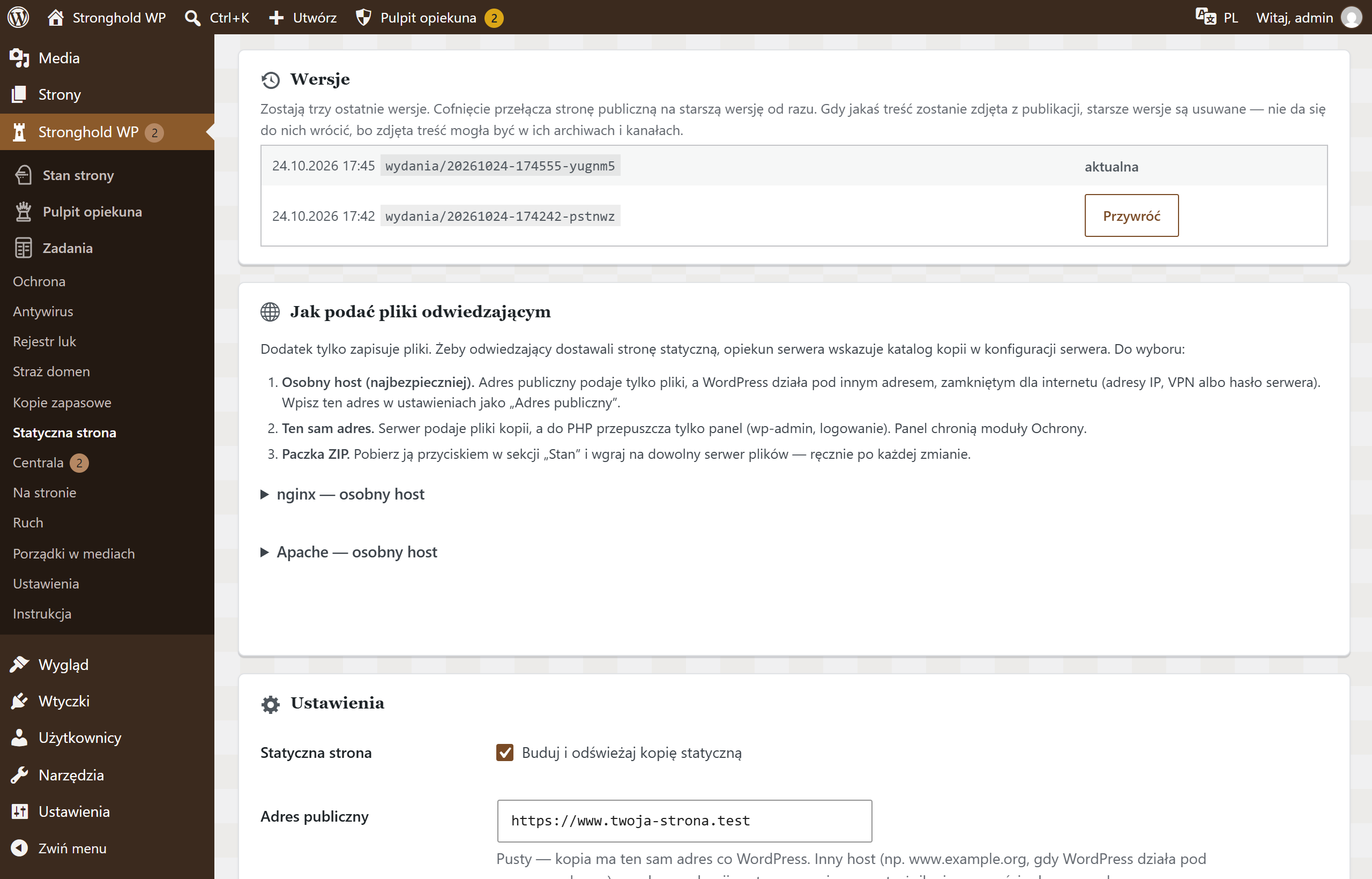
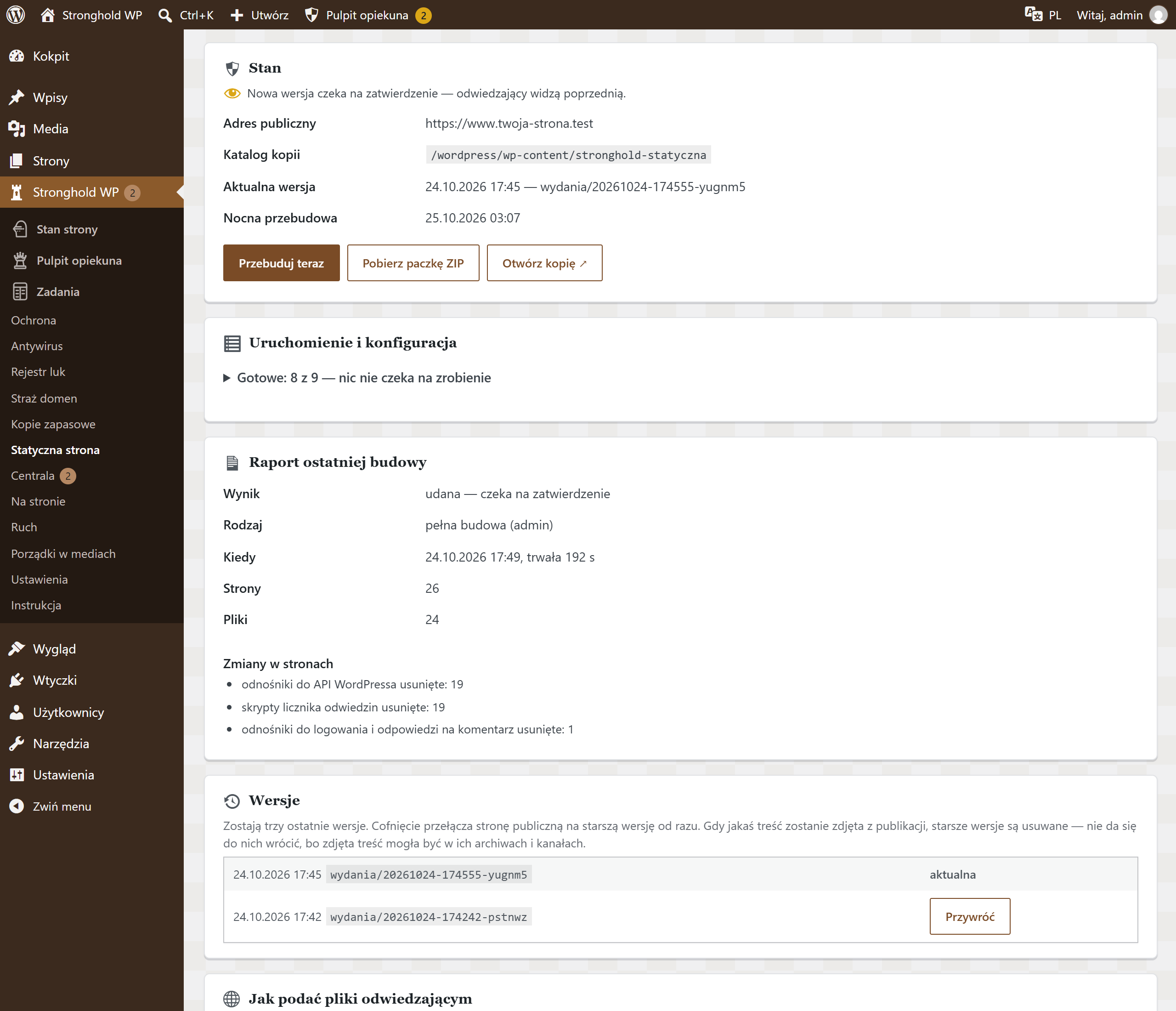
Screenshots from a test installation with sample data.
What it does
- The server delivers the site without PHP or a database — WordPress and plugins cannot be attacked through the public site
- Posts, pages, archives, RSS and sitemap; only the files the content refers to
- Checks that nothing from the dashboard got into the copy — on an error it does not publish the version
- Replaces forms with e-mail contact
- Refreshes after content changes and every night; unpublished content disappears at once
- Three versions to roll back to and approval with a list of differences
- Ready-made nginx and Apache server settings
Specification
| Version | 1.1.8 |
|---|---|
| Requires | WordPress 6.4+ · PHP 8.1+ · Stronghold WP 1.4.0+ |
| Server | web server configuration (nginx or Apache); server cron with WP-CLI recommended |
| Who changes the settings | technical caretaker |
| External connections | none — it connects only to your own site |
| Data | copy files in a directory on the server (by default in wp-content; a directory outside the public one is recommended), three versions |
| Dashboard languages | Polish, Ukrainian, English |
| Updates | together with Stronghold WP, from the update channel |