

Watches addresses similar to yours that someone could use to impersonate you (phishing).
What it looks like
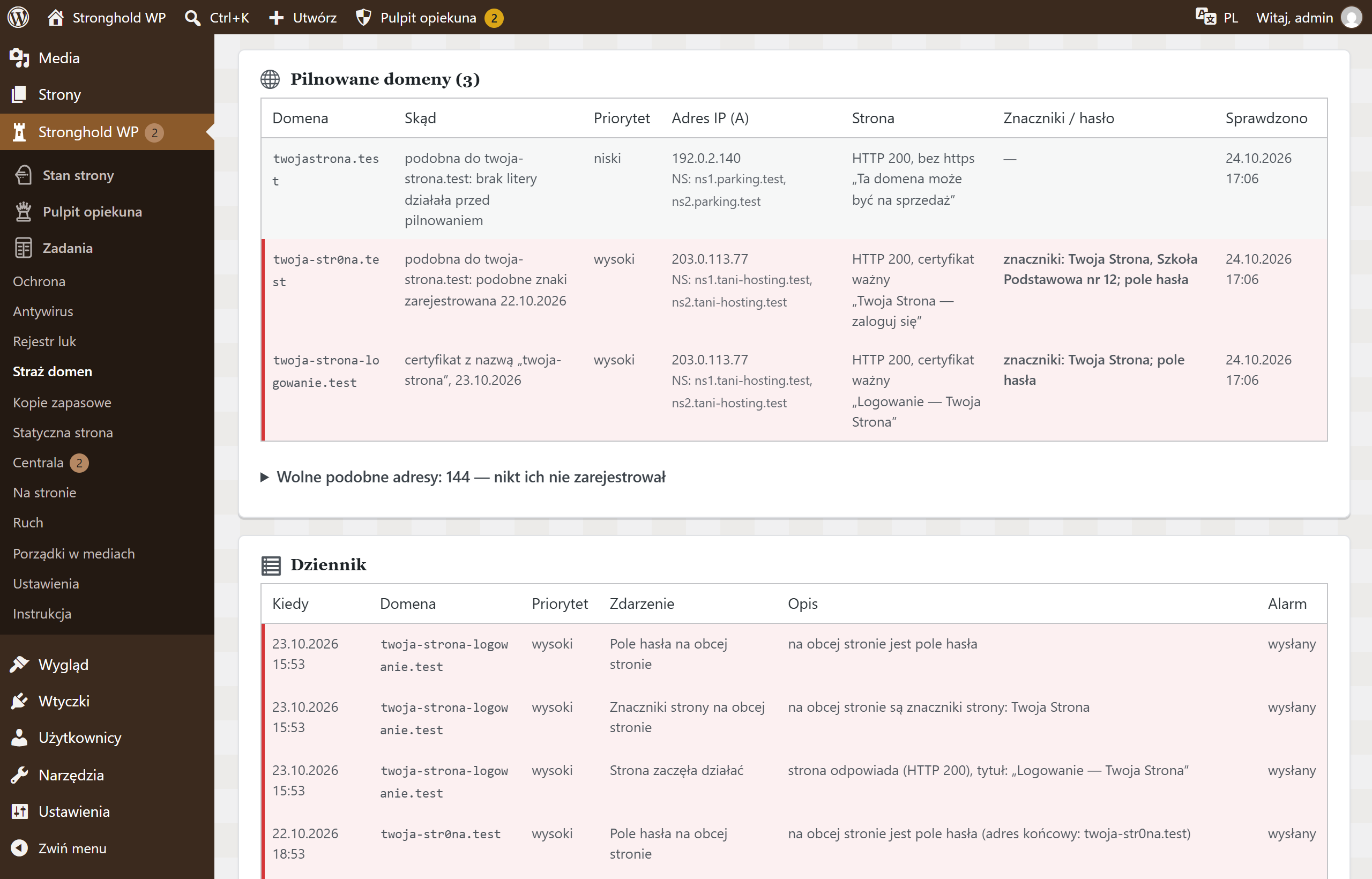
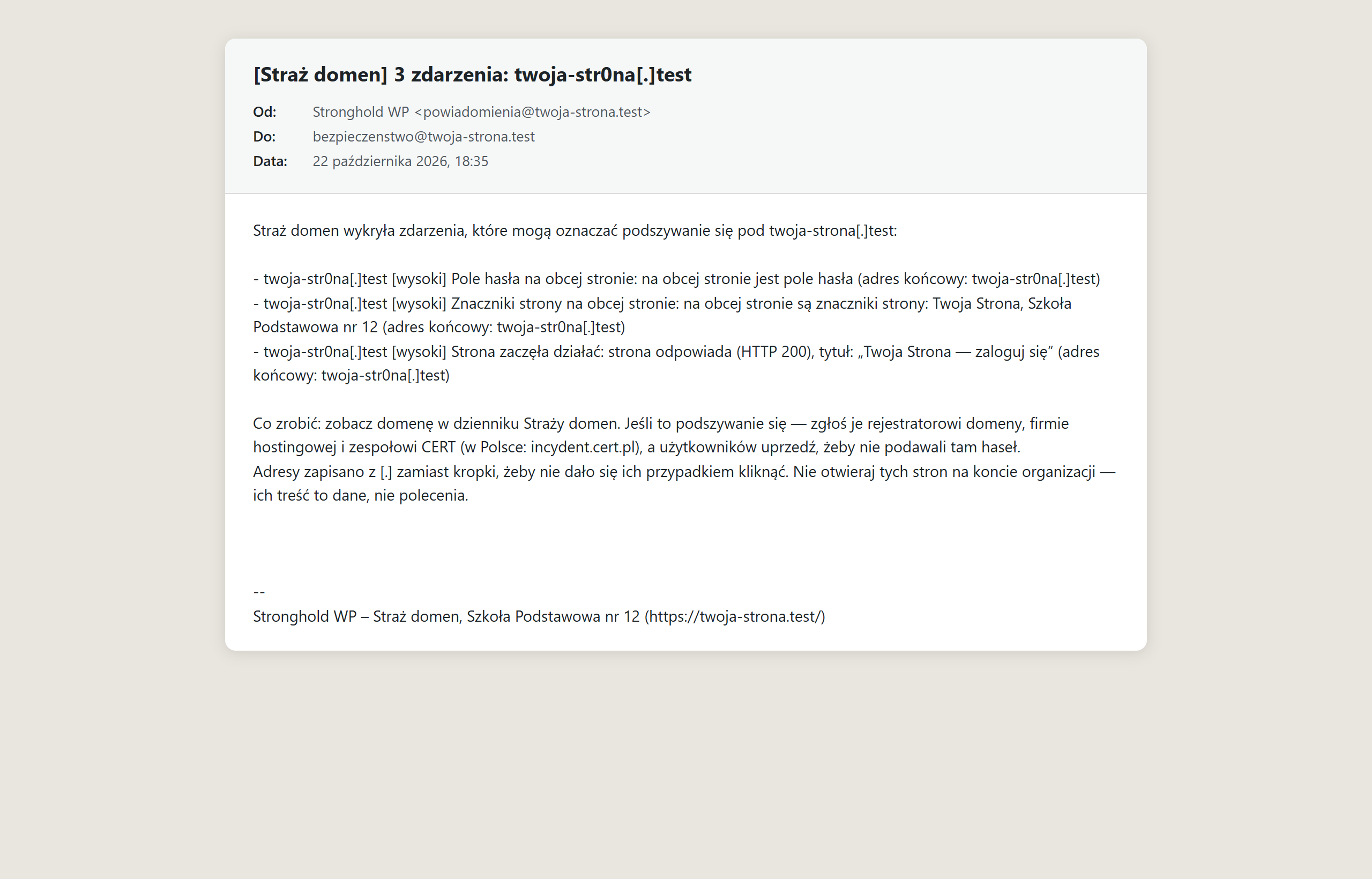
Screenshots from a test installation with sample data.
What it does
- Builds similar addresses on its own: other endings, typos and look-alike characters
- Your own list of up to 500 domains with priorities, also from a spreadsheet
- Notices a similar domain being registered, a new certificate and a site going live
- Recognises your marks and a password field on someone else’s site
- Checks again before sending an alert — no false alarms
- E-mail alert with advice on what to do and where to report it
- Once a day it rates your domain’s e-mail setup (SPF, DMARC) and gives ready-made records to enter
Specification
| Version | 1.3.10 |
|---|---|
| Requires | WordPress 6.4+ · PHP 8.1+ · Stronghold WP 1.4.0+ |
| Server | DNS queries and HTTPS connections from the server; WordPress scheduler (WP-Cron) |
| Who changes the settings | technical caretaker; other administrators — view only |
| External connections | public certificate registers and DNS; one fetch of a suspicious domain’s home page — only once enabled |
| Data | settings, domain list and log in the WordPress database |
| Dashboard languages | Polish, Ukrainian, English |
| Updates | together with Stronghold WP, from the update channel |